8/09/2019
Vaibhav sir
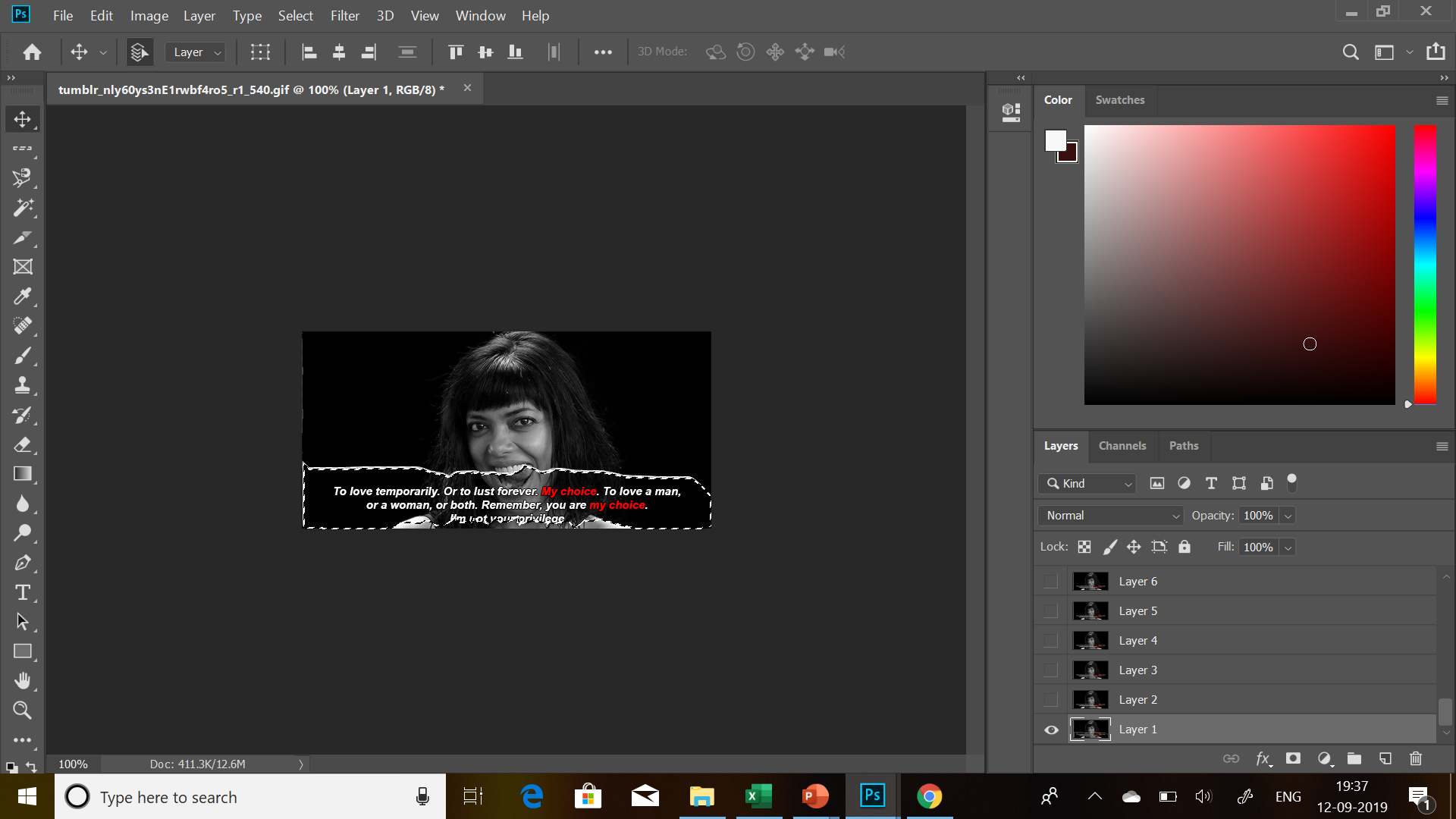
This class commenced with understanding file formats under rastor and vector. The basic concept was understood before beginning of illustrator but a deep knowledge was given at the end.Where we understood the importance of pixels while printing which 150 pixels per inch the minimum to have a good print.Similarly we also learnt about the various file formats under each which connected to the next step of understanding the new app Adobe Photoshop. This app is mainly used for editing and correcting digital images through the process of layers. This comes under a rastor format. The first step was learning layers and foreground , background. It has tools that are quite similar to illustrator but with more advanced functions. The function ctrl+Z is used to undo but Photoshop requires ctrl+alt+Z. The most important thing was understanding to use the duplicate image by choosing image-duplicate.
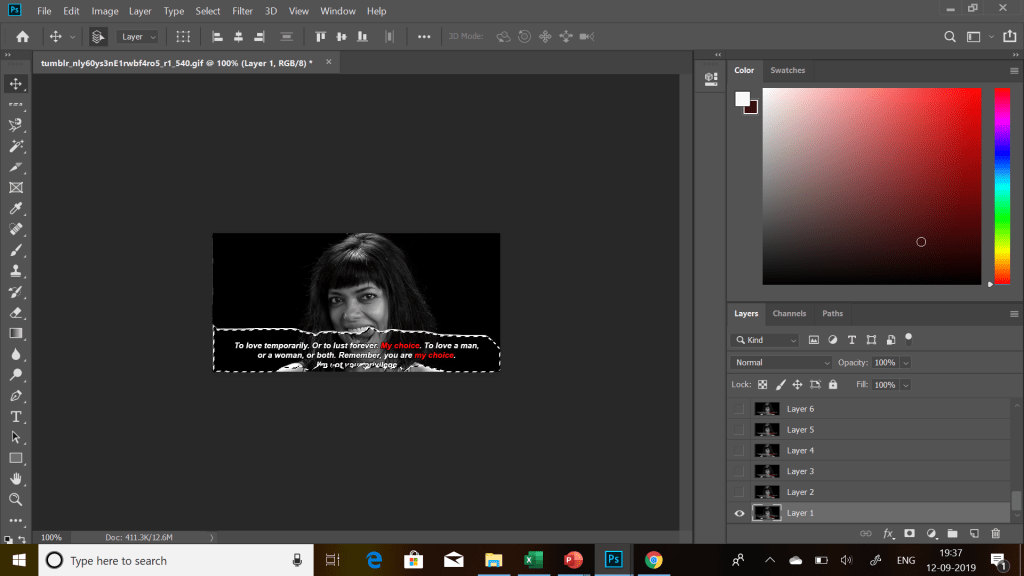
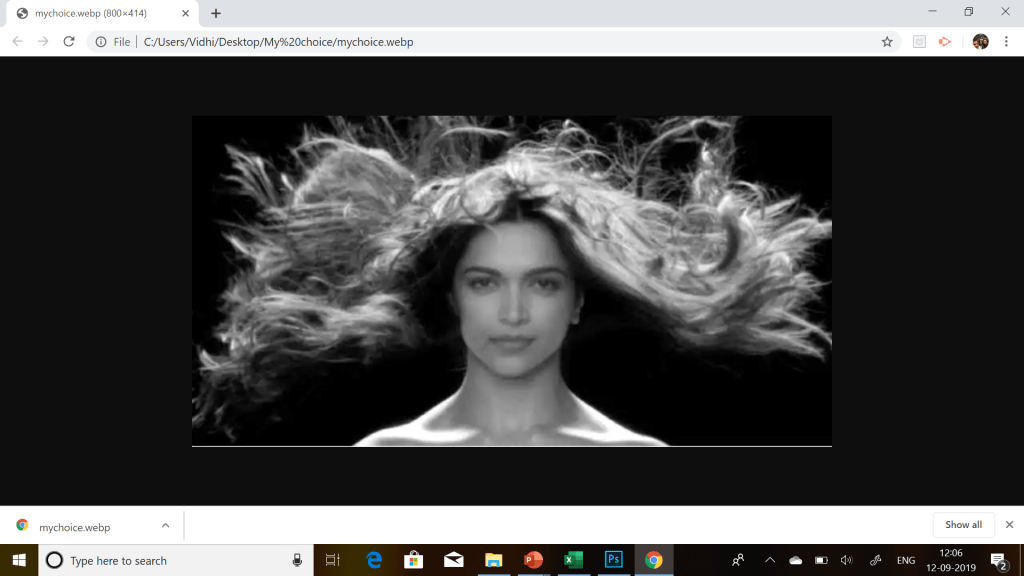
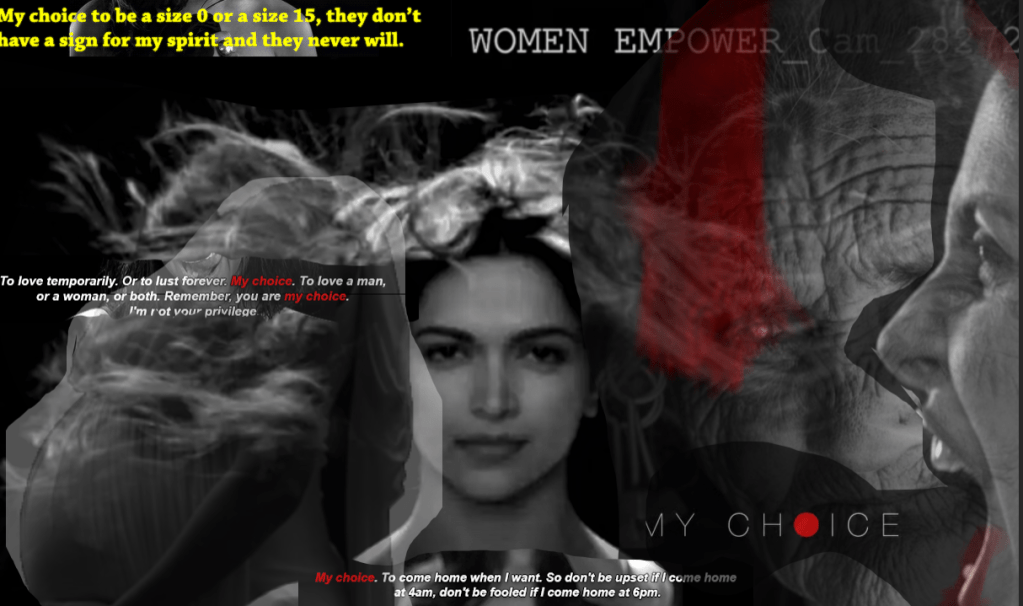
This poster is inspired by the famous video “MY CHOICE” by vogue . It is one of the most inspirational video supporting women empowerment. This collage poster is created on Adobe Photoshop by using layers and selection tool. This collage is a combination of 8 layers and pictures with different opacity and style. First layer comprised of main logo of Deepika Padukone . Then the next picture my choice was edited through magnetic lasso tool. The pregnant women’s picture was edited through magic wand tool . The quotes were edited through polygon lasso tool.The women empowerment was edited through quick selection tool. The old lady behind was first edited and framed.All pictures were moved through move tool.Overall it was complicated to understand the tool but as and when it moved forward with actually applying it , it became understandable.

 vidhi's blog